 Architect's notes
The freight portal with no API, and the agent that can now type into it
There is a job in a lot of NZ manufacturers that nobody puts on an org chart. At about three in the afternoon, someone opens the freight company’s web portal, types in the day’s dispatches one consignment at a time (address, pieces, weight, reference), clicks submit, and then copies each consignment number back into the ERP so the customer’s tracking email goes out. An hour a day, most days. The portal has no API on the account tier they are on, and the freight company is not about to build one for a customer their size.
We have met this business more than once. The ERP is Business Central, the freight is Mainfreight or one of the other big carriers, and the gap between them is a person. The mis-keyed address once a fortnight costs more than the hour does.
What changed
In May, Microsoft made computer-using agents generally available in Copilot Studio. In plain terms: an agent that can open a website or a desktop application and work it through the screen, the way a person would, instead of needing an API. Microsoft names the exact gap: “Vendor portals update unexpectedly. Legacy systems lack APIs entirely.” The same post moves embedding those agents inside multi-step workflows into preview, so a screen-driving step can sit between ordinary API steps, approvals and business rules rather than running on its own.
What caught my eye is not the agent. Screen automation has existed for years and most of it was brittle. It is the workflow part: the portal step becoming one step in a flow the business owns and can see, with the rest of the flow staying exactly as it is.
How we would wire it
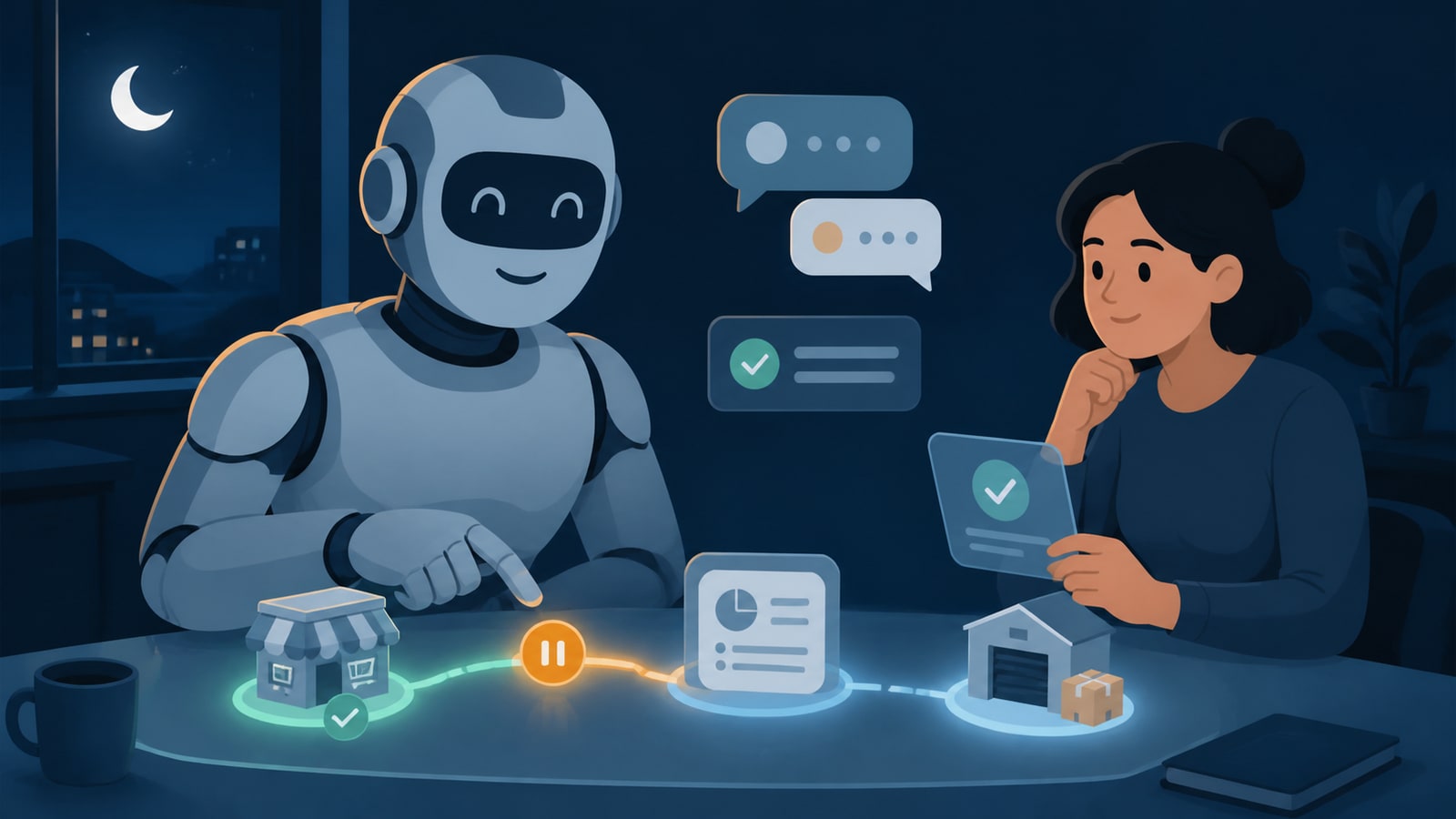
Picture the manufacturer above. The flow we would build looks like this:
- The trigger stays in the ERP. When a sales order is marked ready to ship in Business Central, the flow starts. No one opens the portal to begin.
- A computer-using agent does the typing. It logs into the freight portal with credentials the business owns, enters the consignment from the ERP record, and reads the consignment number off the confirmation screen. If the portal changes its layout, the agent adapts; a scripted bot would have broken.
- The number flows back, with evidence. The consignment number is written to the order in Business Central, and a screenshot of the confirmation is stored with the order, so the dispatch has a record that survives an argument with the carrier.
- Exceptions go to a person, in the shared chat. An address the portal rejects, or a confirmation screen that does not look right, stops the flow and posts to the customer’s Teams chat with what was tried. A person fixes one consignment, not a day’s worth.
- Kori watches the run. If the portal is down at three o’clock, the flow waits and retries; if it is still down at five, the team hears about it before the courier cut-off, not the next morning.
Nothing in the ERP changes. The business does not need the carrier to build anything. And when the carrier does eventually offer an API, step two is swapped for a proper connector and the rest of the flow stays as it is.
Where this stops
We would not point an agent at a portal for anything with money moving, for example approving payments or changing bank details, until the approval step in front of it is a person. Screen-driving is also slower than an API and costs a little per run, so it is the right answer for an hour a day of typing, not for thousands of submissions an hour. And if the carrier already offers an API on a tier the business can justify, take the API: it is the cheaper, faster and more boring option, which is the one we like.
The next step
If there is a portal in your business that someone types into every day, that is the conversation to have. An hour on your systems is where we would start: which portals, how many a day, and what the person doing it would rather be doing.
The vendor update is real and linked. The business in this story is a composite of NZ operators we have worked with and talked to; names, figures and details are changed.